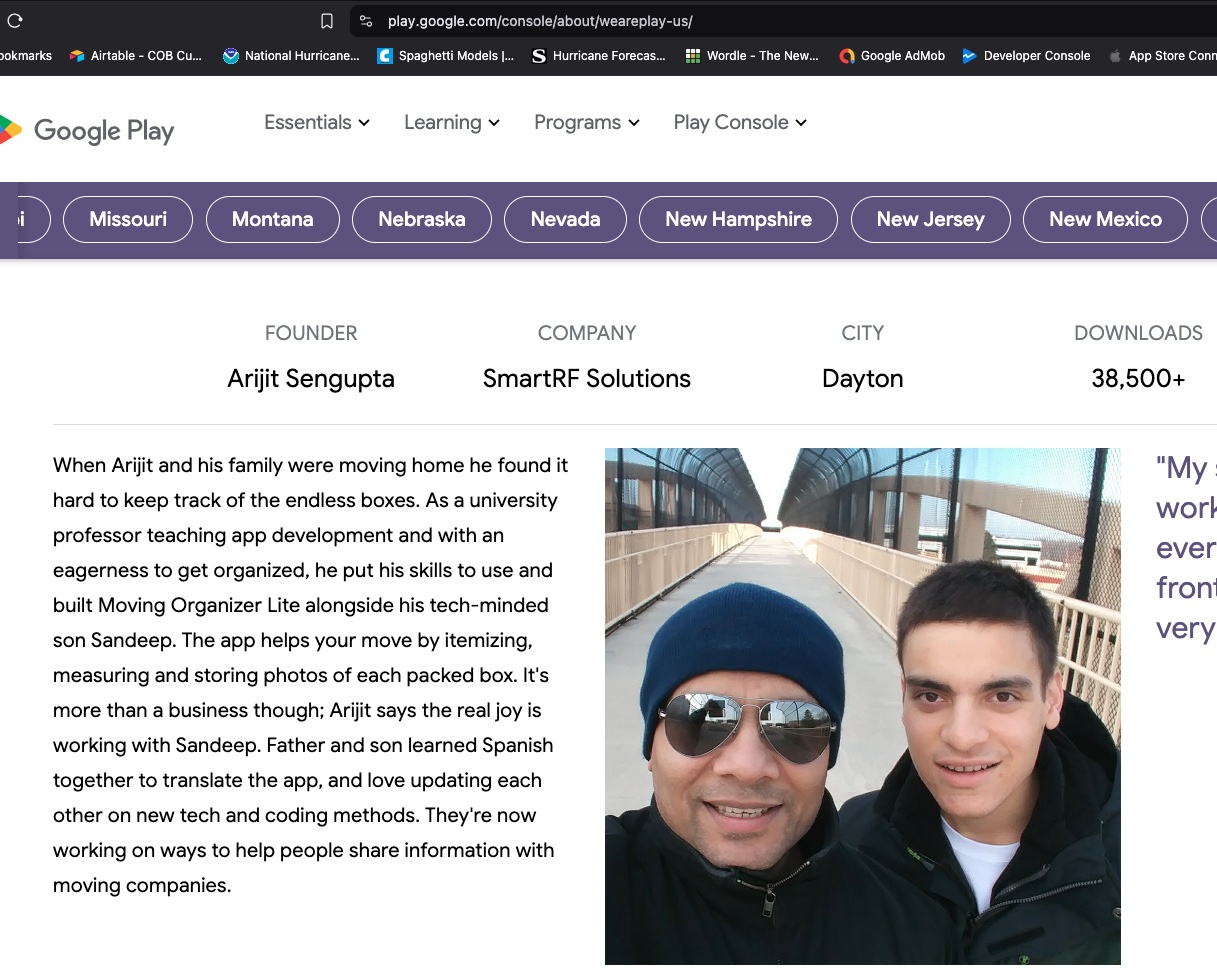
We were featured in #WeArePlay!
We are honored to be featured in the #WeArePlay campaign at Google Play in 2024. Our story was published representing the State of Ohio.
Read the story (Select Ohio on the map) →
We are honored to be featured in the #WeArePlay campaign at Google Play in 2024. Our story was published representing the State of Ohio.
Read the story (Select Ohio on the map) →
SmartRF Solutions LLC is a small company developing software for mobile applications, RFID, IoT, Blockchain, and XML-based systems.
We are a group of developers and educators who love the latest technologies. If you want to know more about our company and services, please contact us.
Contact Us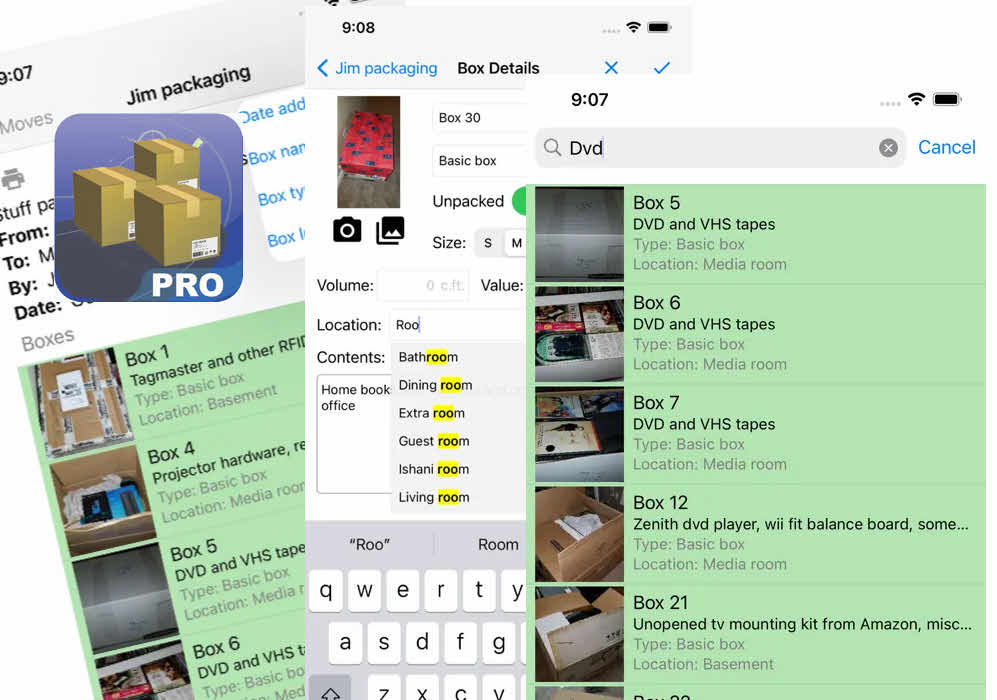
Click image to watch demo
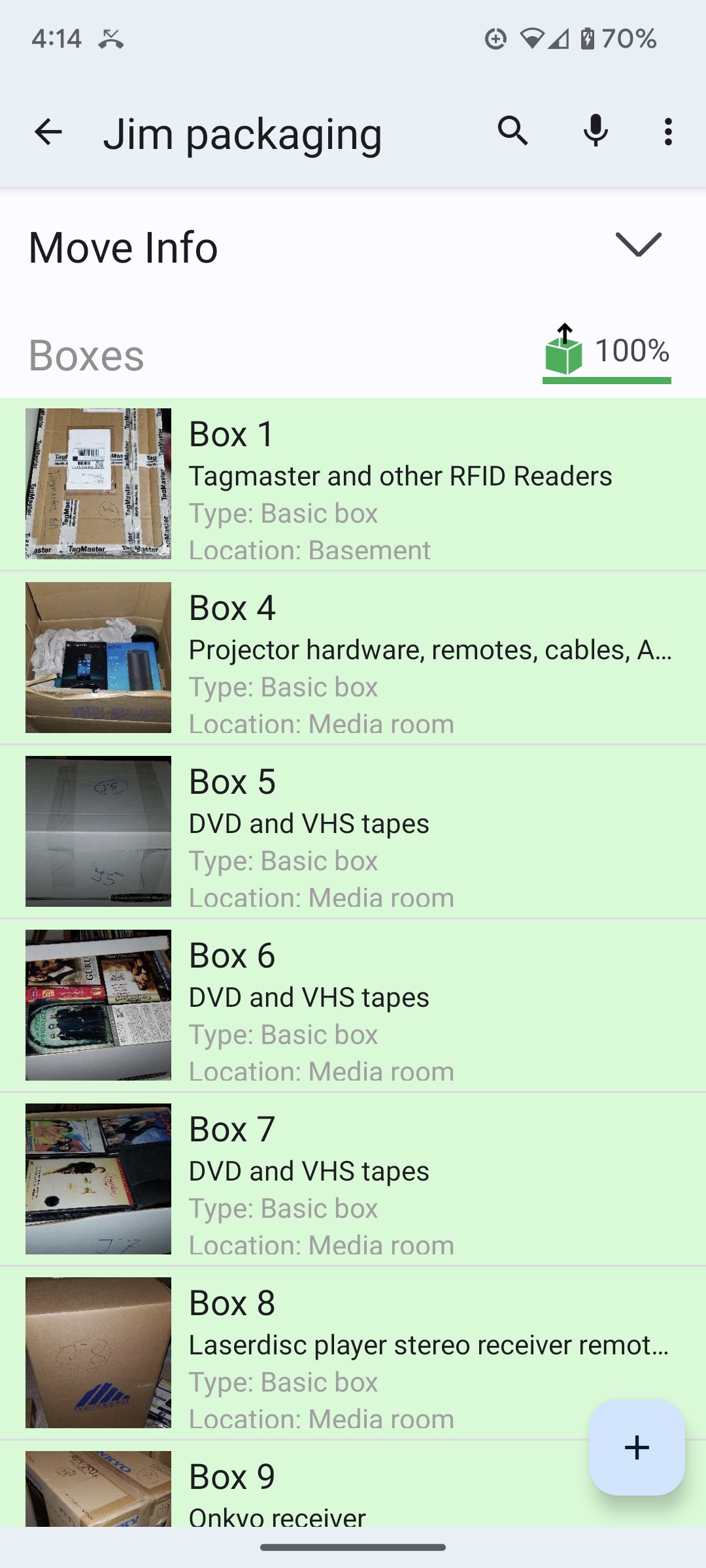
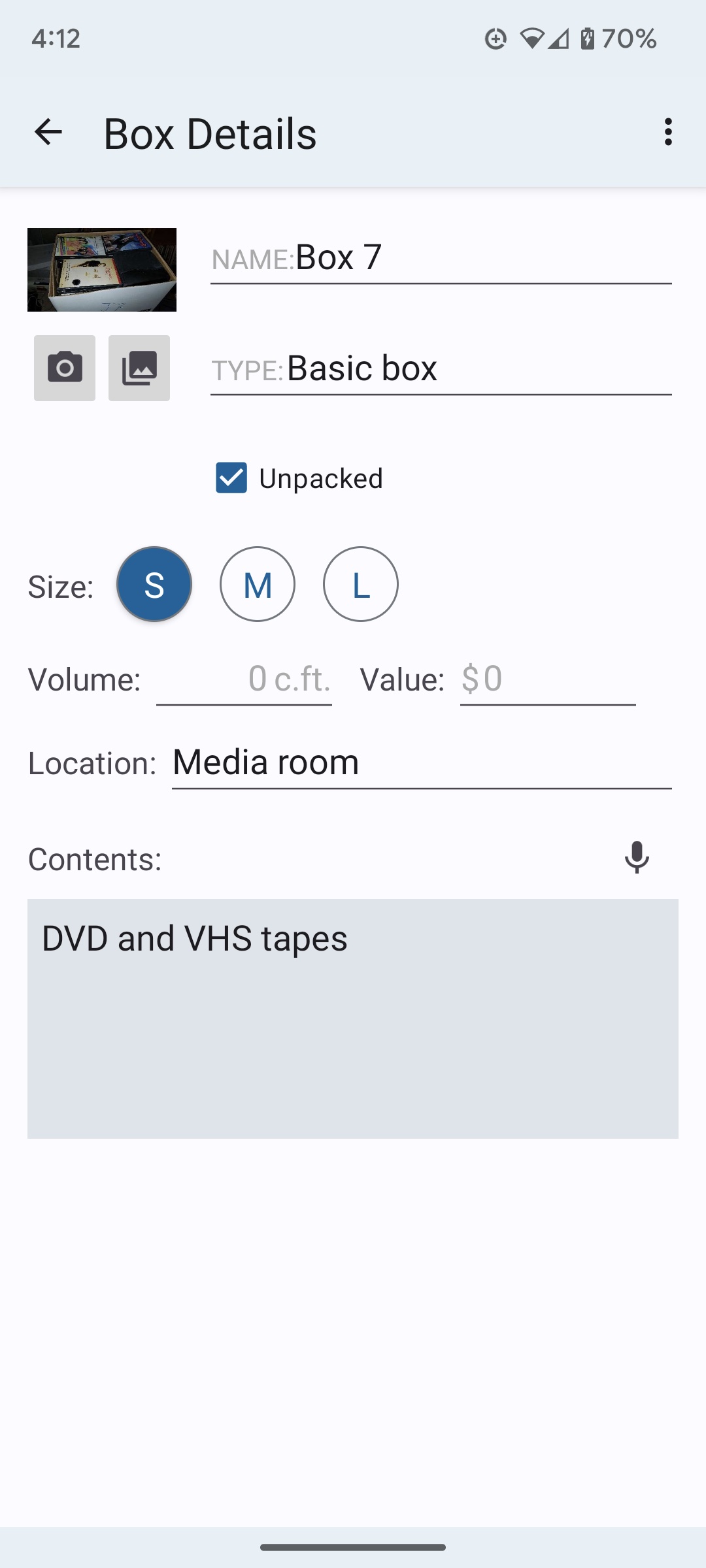
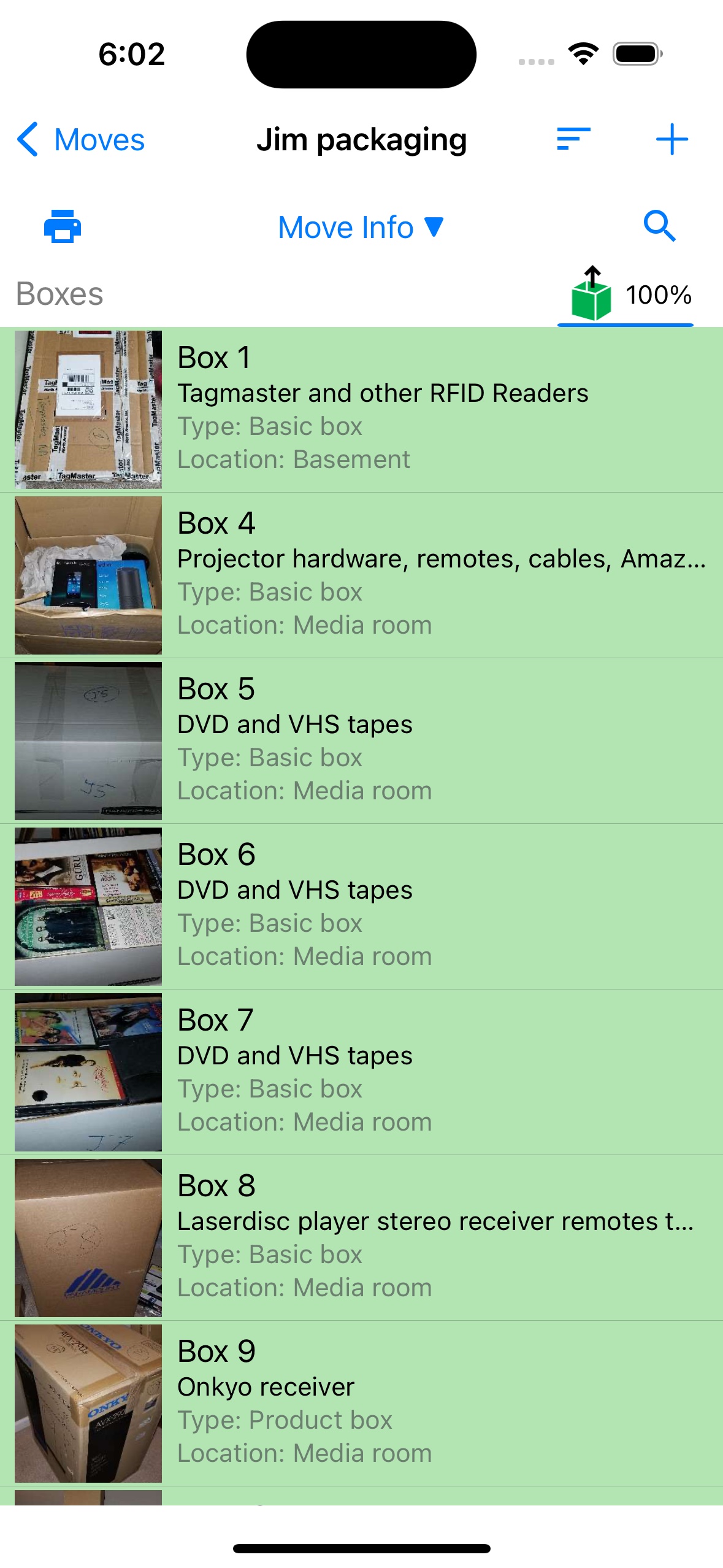
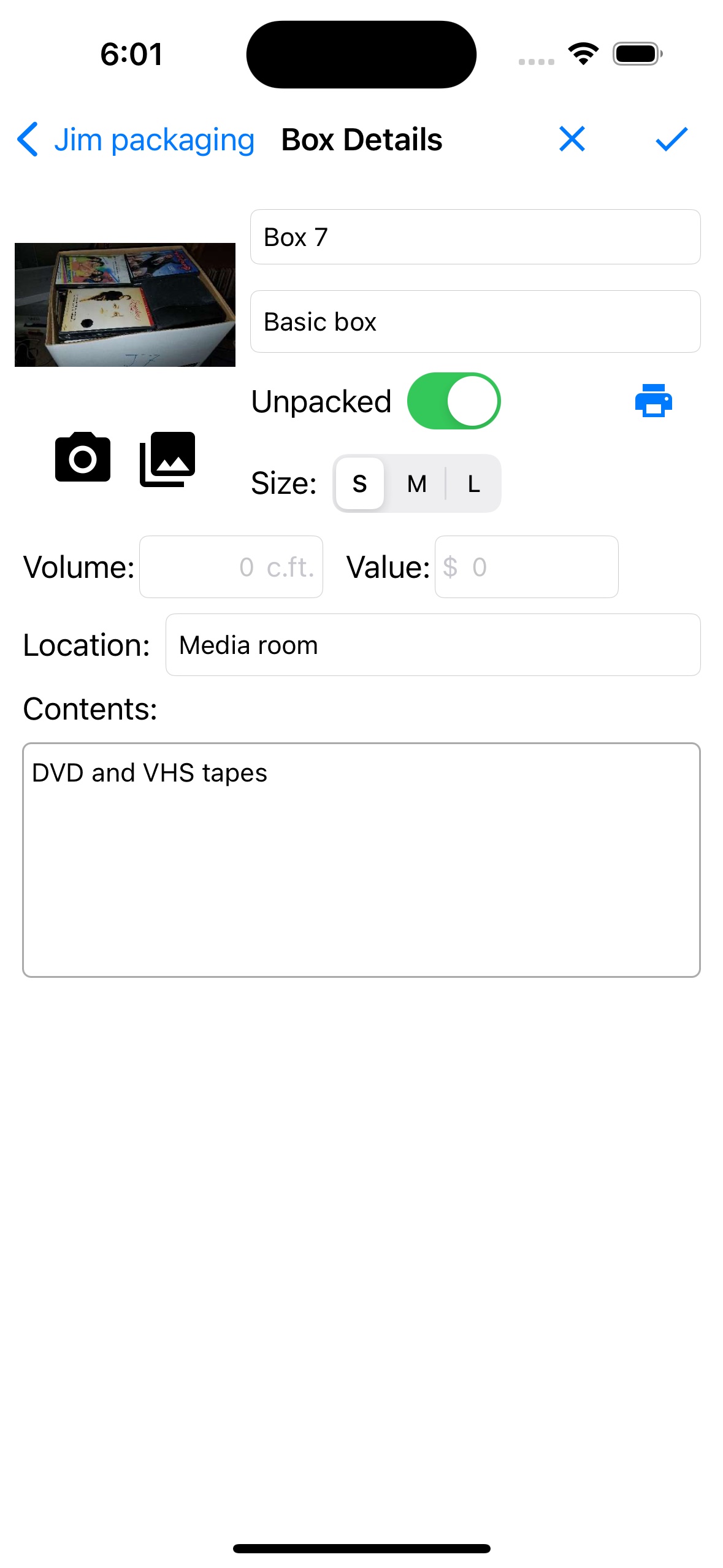
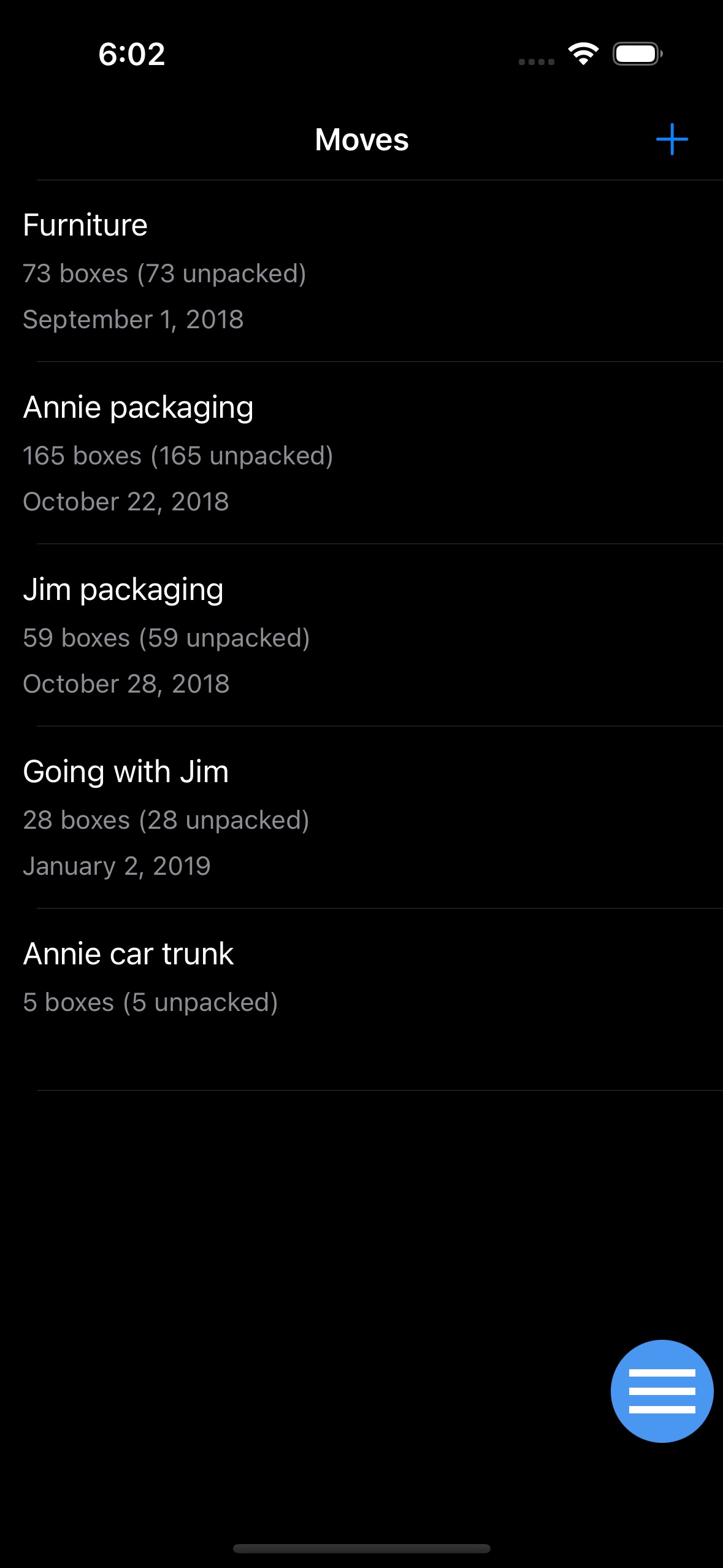
Overwhelmed by boxes? Keep track of your move with Moving Organizer Pro. Track contents, pictures, and descriptions of every box. Search quickly to find items as you unpack.
We built it for ourselves when we moved, and it was a great feeling to know exactly where our things were.



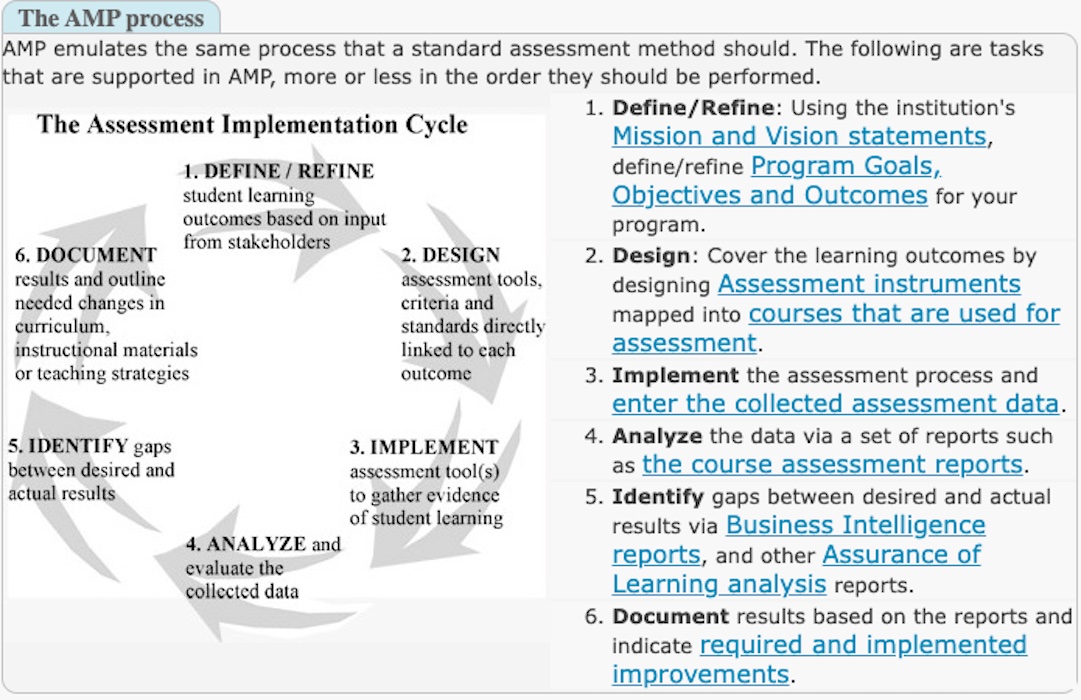
Developed at a leading US institution serving three different accreditation agencies, AMP assists faculty with the process of analyzing, documenting, and reporting on assessment and Assurance of Learning (AoL) data.
View AMP Demo Site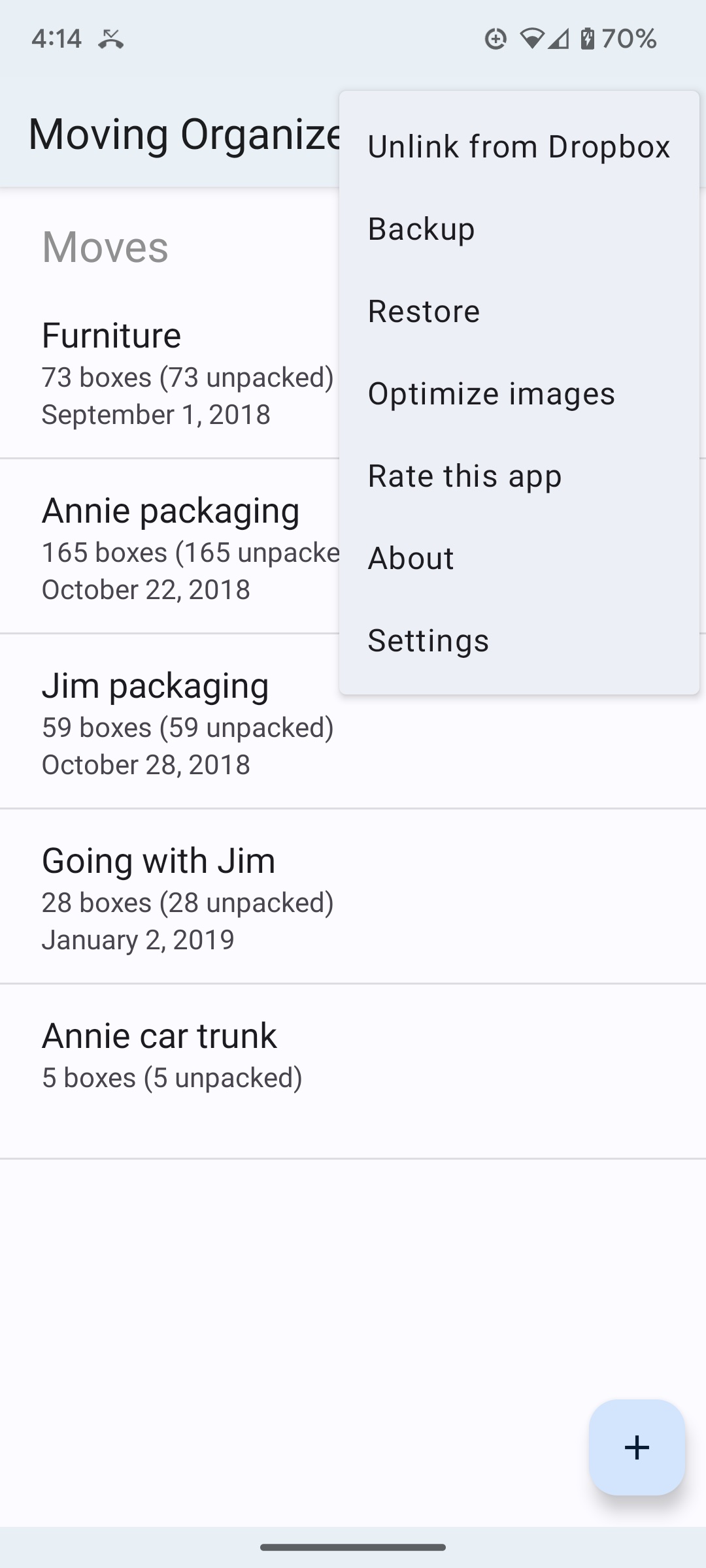
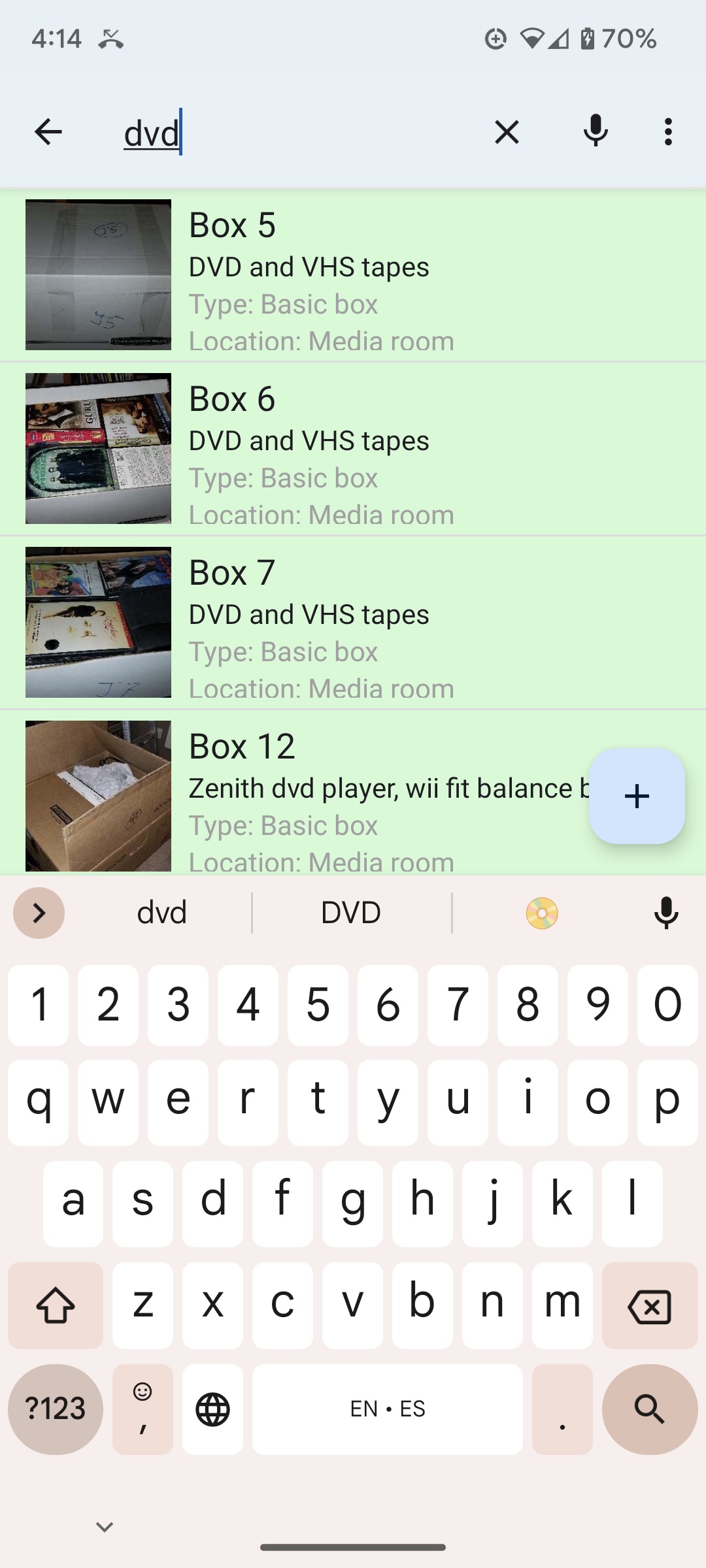
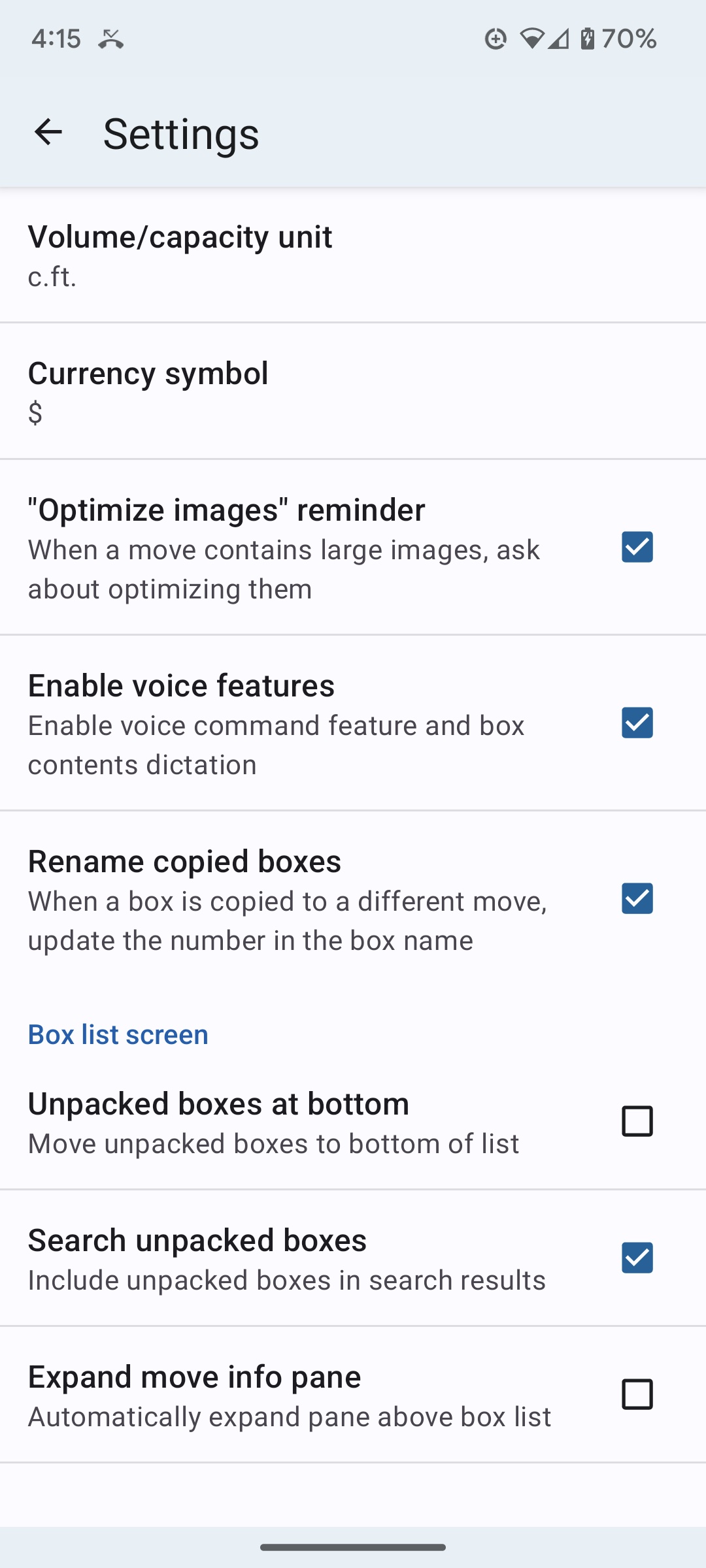
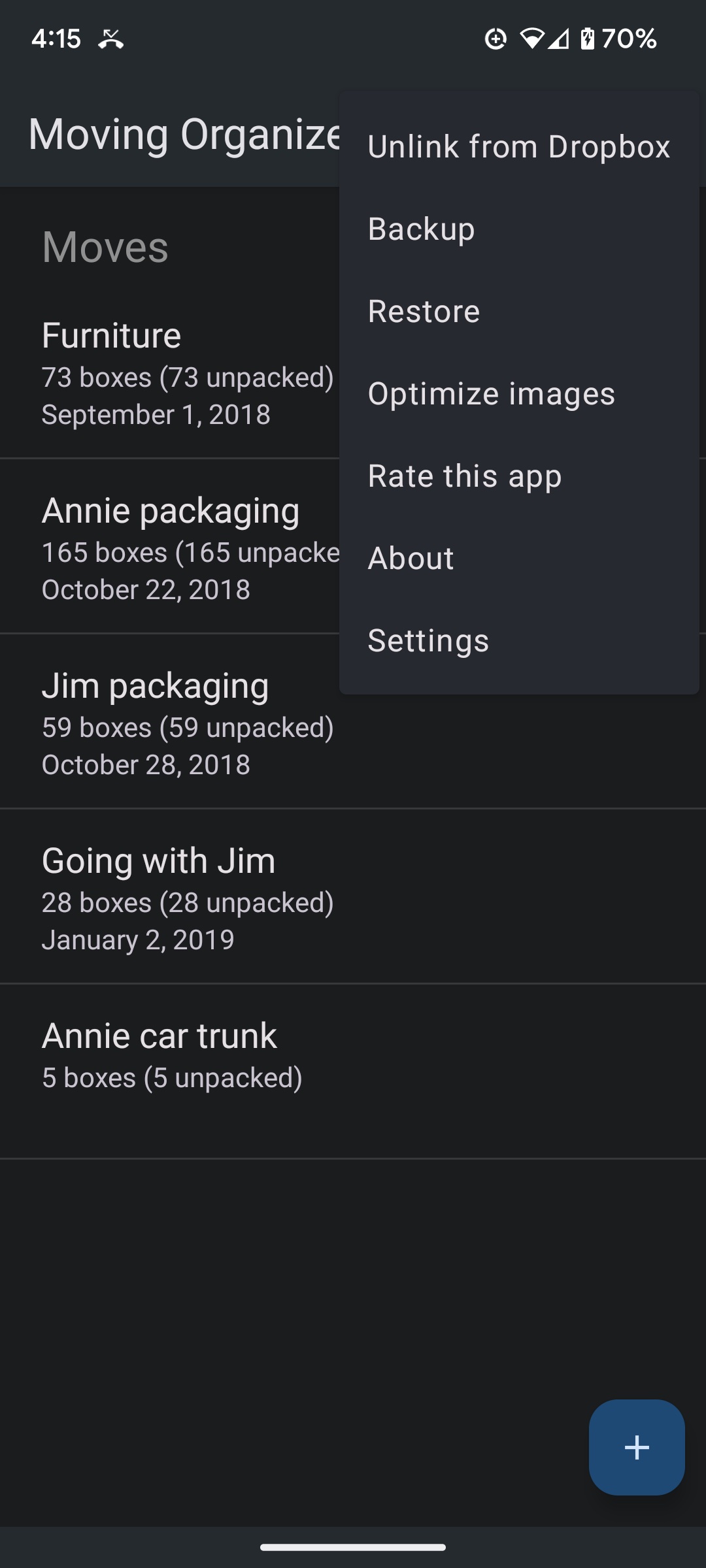
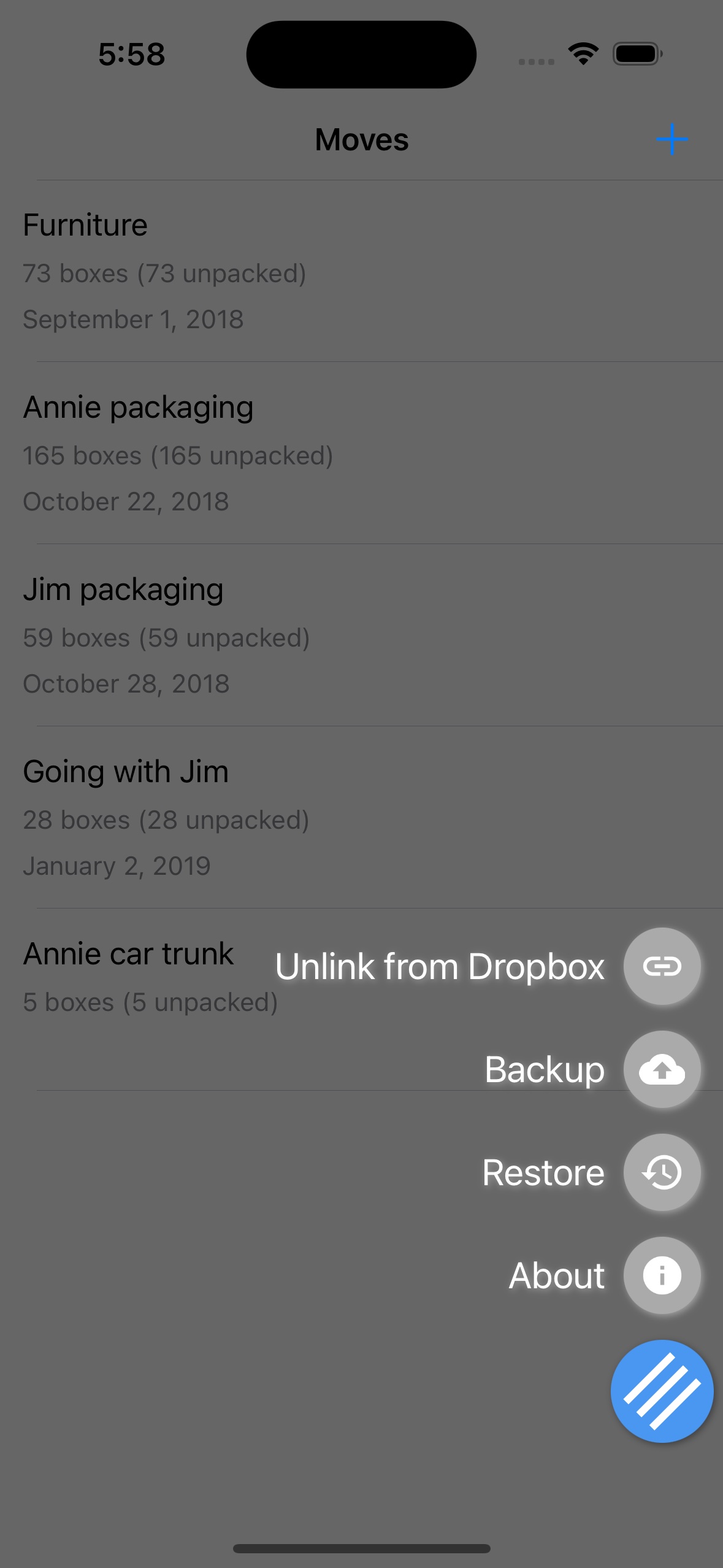
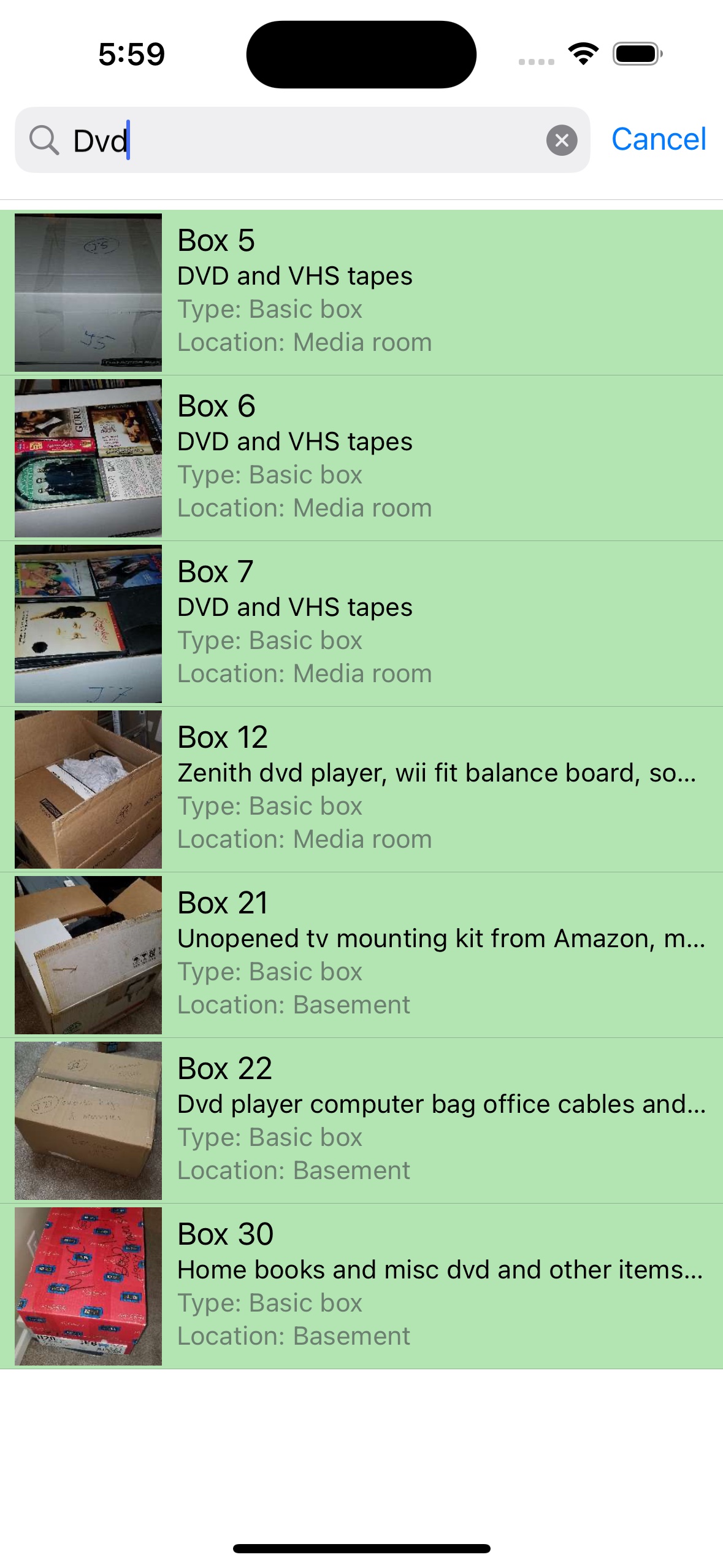
"This really simplified the moving inventory process for our family... The search function has saved us multiple times when we’ve wondered what box the silverware or Dad’s brown shoes were in. Highly recommend this app."
"This app does it all! I not only had a detailed list of every box, I was able to add pictures which made unpacking a pleasure! I could not have survived the stressful move without this amazing app!"
"I caught right on with how the app works. With each Box I just took a picture of it with the same number label... and for the contents I could just use speech to text on my iPad keyboard."
"This has been a life-saver during our move... We aren’t done with our move but I’m already so glad I found this app. Totally worth the price to avoid ads."
First, link to Dropbox via Menu > Link to Dropbox.
Perform a Restore when opening the app and a Backup after making changes to keep devices in sync.
Android: Go to Menu > Print > "Save as PDF". You can then attach this file to an email.
iOS: Tap the printer icon. Force touch (or pinch out) on the preview, then tap the share action to email or save.
iOS: Swipe left on a move/box to see edit and delete buttons.
Android: Long tap on a move/box to see action buttons in the top bar.
Not linked to Dropbox: Stored in internal app storage (inaccessible from outside).
Linked to Dropbox: Stored under Apps > Moving Organizer Pro in your Dropbox.
Try entering the name of the category in the “Type” field just below the box name. (For future boxes, your new category will automatically appear in the drop-down menu.)
To see all boxes in your category, you can sort the box list by type. To do this, tap the “Sort by” option at the top of the box list screen, and select “Box type.”
This privacy notice discloses the privacy practices for SmartRF Solutions and Whizkeys Tollroads.
None of the apps and the website collect any information about you and your data. Depending on the app(s) you are using, the following may apply:
Contact: If you feel we are not abiding by this policy, contact us at support@smartrfsolutions.com.